
You know what every stunning Shopify store has in common? A design that makes you stop scrolling — and a Shopify Theme Detector can help you uncover which theme powers it.
A theme defines your store’s feel, flow, and first impression. It’s your storefront’s personality. Whether it’s sleek, minimal, bold, or luxury-inspired, the right theme instantly builds trust.
So let’s dive into how you can use a Shopify Theme Detector to find out which theme your favorite stores are using — and how that can help you design yours like a pro.
✅ Haven’t tried a Shopify Theme Detector yet? Don’t make me scroll your store twice.
The Power of a Great Shopify Theme
“Why does this store look so premium?”
That’s usually the first thought people have when they visit a top Shopify site.
A great theme isn’t just about colors and buttons — it’s psychology meets design. It tells your customer, “You can trust us. We’re professionals.”
Before they ever see your product or read your About page, the theme has already done the talking.
A good Shopify theme:
- Creates smooth user experience (UX)
- Builds credibility and trust
- Makes browsing intuitive and enjoyable
- Boosts conversion rates
On the other hand, a poor or outdated theme can make your store look sketchy — even if your products are great.
Your theme is more than a layout. It’s your first sales pitch.
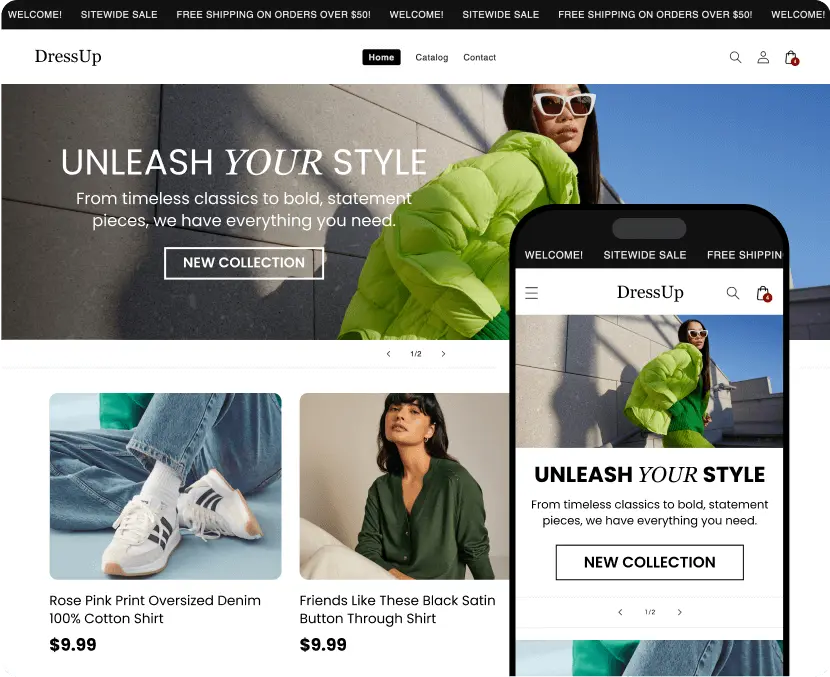
Why Manual Theme Guessing Fails in 2025
Let’s be real. Manually trying to figure out a Shopify theme by inspecting the source code or guessing based on “vibes” is outdated.
Why?
Because:
- It wastes time
- You might miss details (theme name, version, developer)
- You can’t tell if it’s custom or built-in
- Some stores hide their theme data
And unless you’re a developer, all that HTML and CSS can look like ancient hieroglyphics.
That’s where Shopify Theme Detectors come in — they do all the detective work for you, instantly.
How AI-Powered Shopify Theme Detectors Work
A Shopify Theme Detector works like a digital Sherlock Holmes.
You just paste a store’s URL, and it automatically scans the site’s code for theme identifiers.
Here’s what it does behind the scenes:
- Reads the store’s public code (HTML/CSS).
- Searches for theme-related tags and JSON data.
- Matches it with Shopify’s theme database.
- Displays details like:
- Theme name
- Developer
- Version
- Customizations
In seconds, you’ll know whether the store uses Shopify’s free Dawn theme, a premium theme like Impulse, or a custom-built design.